
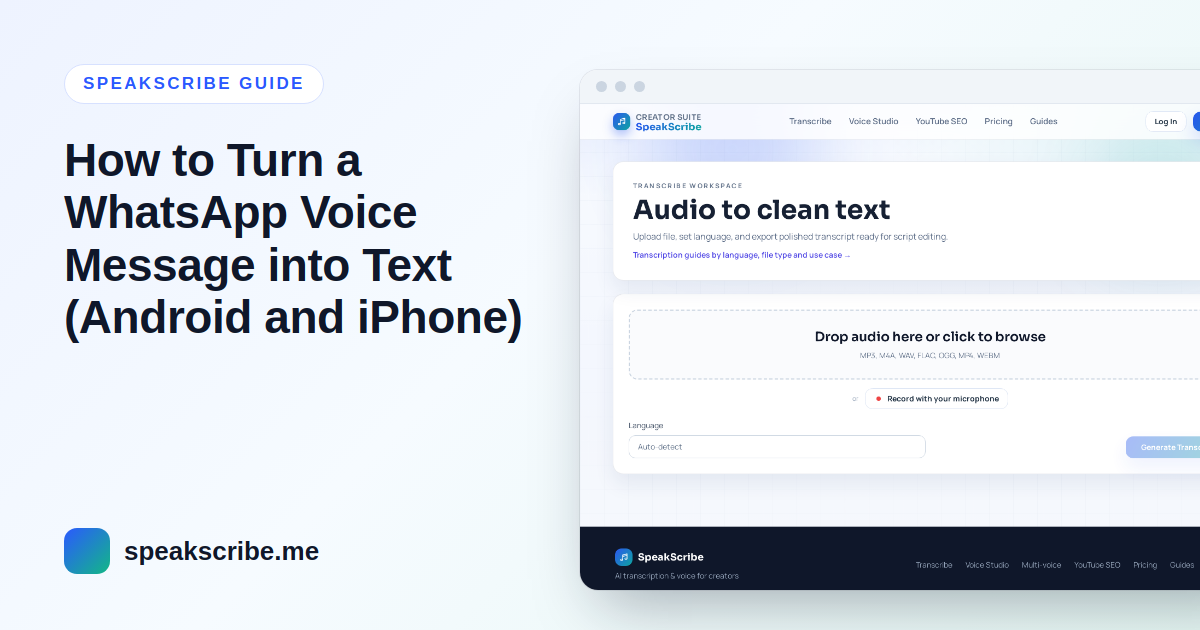
A five-minute voice note is easy to send and hard to receive: you can't skim it, search it or read it in a meeting. Turning it into text takes about a minute once you know where WhatsApp keeps the file — and one small trick with the file name.
First: what a WhatsApp voice note actually is
WhatsApp saves voice messages as .opus files. Inside, that is Opus audio in an Ogg container — the same thing as an .ogg file with a different name. Most transcription tools, including SpeakScribe, accept .ogg, so the fix is simply to rename the file before uploading.
On Android
- Open the chat, tap and hold the voice message, then tap Share (or the three-dot menu → Share) and choose a place to save it, such as Google Drive or Files.
- If your phone shows the file name, rename it from
…opusto…ogg. - Open OGG to text in your phone's browser, upload the file and choose the language that was spoken.
Voice notes you received are also stored in your phone's storage under Android → media → com.whatsapp → WhatsApp → Media → WhatsApp Voice Notes, if you prefer to copy them from a computer.
On iPhone
- Tap and hold the voice message → Forward → tap the share icon → Save to Files.
- In the Files app, tap and hold the saved file → Rename, and change the ending from
.opusto.ogg. If you can't see the ending, turn on Show All Filename Extensions in the Files view options. - Upload the file on OGG to text and pick the language.
What you get
A clean transcript, a timestamped version and subtitle files. For a voice note, the clean text is usually what you want: copy it into your notes, a task list or a reply. Pick the spoken language rather than auto-detect when a message mixes languages — detection listens to the beginning of the recording.
If the message is in another language
After the transcript is ready, tick Translate transcript in the transcriber and choose the language you read — English, Hindi, Bengali, Urdu, Arabic, Persian and many more. Read the translation as a helpful draft; for anything important, ask the sender.
Tips for better results
- Long rambling notes transcribe fine, but background noise from streets and cars costs accuracy — that's the recording, not the tool.
- Several voice notes in a row? Transcribe each one; there is no need to merge them first.
- Privacy: only transcribe messages you are entitled to share, and remember that results are deleted automatically after your plan's retention period (7 days on Free).
FAQ
Can I transcribe a WhatsApp voice message for free?
Yes. Guests can transcribe up to 20 minutes without an account, and a free account includes 120 minutes a month.
Do I have to rename .opus to .ogg?
Yes, for now — the uploader checks the file ending. Renaming doesn't change the audio, only the name.
Does this work for Telegram voice messages?
Telegram already saves voice messages as .ogg, so you can upload them directly.