
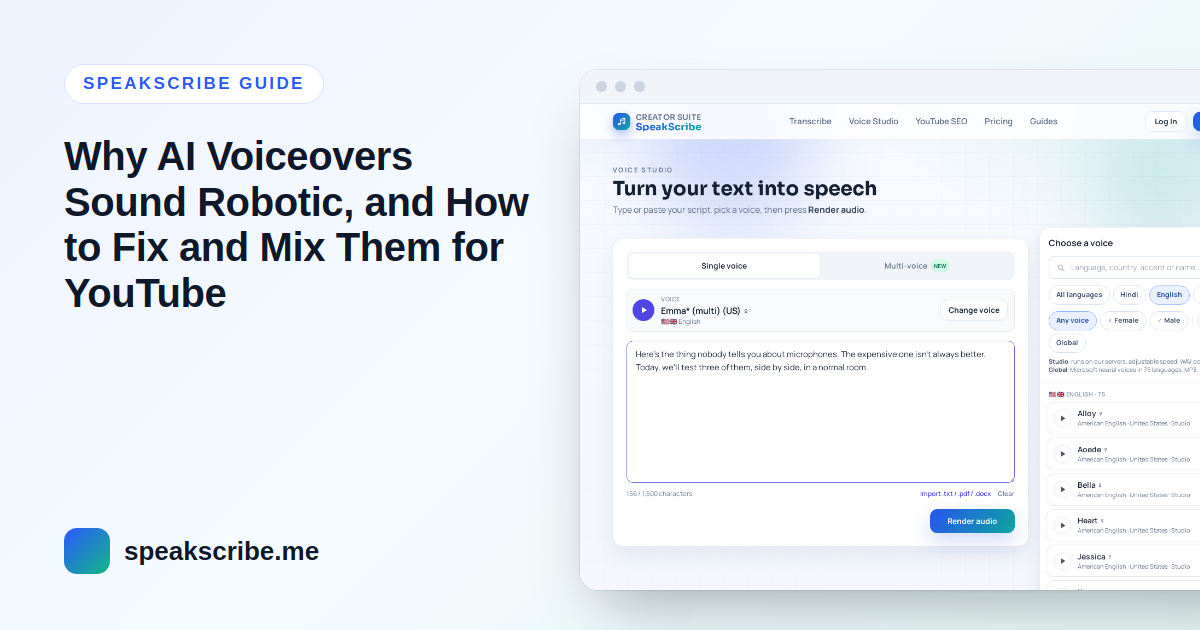
Short answer: an AI voiceover usually sounds robotic for one of three reasons: the script is written for reading rather than listening, the voice has a flat delivery for the job, or the audio is too quiet and unevenly levelled next to your music. The first two are fixed before you render (shorter sentences, spoken-style numbers, a livelier voice), the third after (loudness normalization and a limiter). None of them needs noise reduction, which usually makes AI audio worse.
To make this concrete we measured the voices on SpeakScribe in November 2026: the loudness of each voice's 15-second sample (EBU R128, the standard YouTube and broadcasters use), and how much each voice's pitch moves while it reads the same passage. The numbers are below, with the fixes they point to.
1. Write for the ear, not the page
Text to speech reads exactly what is written. Sentences that work on screen often fall flat out loud:
- Keep sentences short. Long sentences with several commas are read with one long falling melody. Split them; every full stop resets the voice's intonation.
- Write numbers, dates and abbreviations the way you would say them. "Q3 2026 revenue rose 12%" may come out differently from "revenue rose twelve percent in the third quarter of twenty twenty-six." Preview anything with digits.
- Use punctuation as stage directions. A comma is a short breath, a full stop a longer one, a blank line between paragraphs a scene change. A question mark changes the melody, so use it only on real questions.
- Cut written-only phrases. "As mentioned above", brackets and footnote-style asides sound odd when spoken. Say it the way you would explain it to a friend.
2. Pick a voice with enough movement for the job
One measurable part of "robotic" is a narrow pitch range: the voice stays close to one note. We measured, for every English voice reading the same passage, how far its pitch moves between its lower and upper range (the 10th to 90th percentile, in semitones):
| English voices (75 measured) | Pitch movement |
|---|---|
| Median of all 75 | 8.4 semitones |
| Most movement: Emma Multilingual, Fable (British), Neerja (expressive), Roger, Liam (Canadian) | 11.3–11.6 semitones |
| Least movement: Onyx, Rosa (Philippine), Leah (South African), Luke (South African) | 4.7–5.5 semitones |
Measured October 2026 on each voice's prebuilt sample of the same English passage. Full method on how we test.
A flat voice is not a bad voice. Steady delivery suits instructions, meditation or a calm documentary. But for a story, a review or a YouTube intro that needs energy, start with a voice from the top of the table. Every voice page also lists the voice's speaking pace and an intonation range. That figure comes from an earlier measurement on a different sample sentence, so the exact numbers differ from this table.
3. Slow down a little, and add pauses where a person would breathe
- Speed: the median English voice reads about 16 characters per second. If a voice feels rushed, Studio voices have a speed setting from 0.5× to 2× in Voice Studio; 0.9× is often enough.
- Exact pauses: SSML works with both voice types: wrap the whole script in
<speak>…</speak>, then a<break time="700ms"/>before a punchline or after a question gives the listener time to react. - Slower phrases: wrap one sentence in
<prosody rate="-10%">…</prosody>to slow it without slowing the whole script. Pitch changes in SSML work only on Global voices; Studio voices ignore them.
4. Fix the level: AI voices come out quiet and uneven
This is the part most creators miss. We measured the integrated loudness of all 361 voices' samples:
| Measurement (EBU R128) | Result |
|---|---|
| Median loudness, all 361 voices | −21.4 LUFS |
| Quietest / loudest voice | −27.6 LUFS / −15.6 LUFS |
| Voices louder than −14 LUFS | 0 |
| English voices only: quietest (Nova) to loudest (Prabhat) | −27.6 to −17.4 LUFS (10 LU apart) |
| Studio voices: peaks at or above −1 dBTP | 4 of 41 |
Measured 13 November 2026 with ffmpeg's EBU R128 meter on each voice's prebuilt preview sample (the voice's own output, re-encoded at 64 kbps without any volume change).
Three practical consequences:
- Raw AI voiceovers are quieter than most YouTube videos. YouTube is widely measured to turn loud uploads down to about −14 LUFS, and is generally reported not to turn quiet ones up. A voiceover left at −22 LUFS plays noticeably quieter than the video before it. You can check any upload in YouTube's Stats for nerds (right-click the player), which shows the content loudness.
- Switching voices changes the level. Two English voices can be 10 LU apart, which is roughly twice as loud to the ear. If a video uses more than one voice, level each clip separately, or use Multi-voice, which levels every line to the same average loudness for you.
- Turning up the volume alone can clip. A few voices already peak close to 0 dBFS, so raising the gain by 8 dB pushes the peaks into distortion. Normalize loudness, then catch the peaks with a limiter.
5. Level and mix it in Audacity (free)
- Import the voiceover (WAV from Studio voices, MP3 from Global voices) and your music on separate tracks.
- Select the voice track and apply Effect → Volume and Compression → Loudness Normalization, set to perceived loudness. Around −16 LUFS leaves room for music; −14 LUFS for voice-only videos.
- Apply Limiter with the limit at −1 dB so no peak clips after encoding.
- For background music, select the music track and use Auto Duck with the voice track below it, so the music dips whenever the narrator speaks. Start with the music 15–20 dB below the voice.
- Export, or render the final mix from your video editor if you mix there. Most editors (DaVinci Resolve, Premiere Pro, CapCut) have their own loudness normalization that does the same job as step 2.
Skip noise reduction. AI voices are generated digitally and contain no background noise, so noise reduction has nothing to remove and adds the watery, metallic sound people call "robotic". Equalizers and heavy compression rarely help either; levelling is what matters.
Quick checklist before you upload
- Sentences short, numbers written as spoken, questions only where you ask one.
- A voice whose pitch movement fits the content (see its voice page).
- Pauses where a person would breathe; one exact
<break>before key lines. - Voice normalized to −16 to −14 LUFS, limiter at −1 dB, music ducked under the voice.
- Captions: paid plans export SRT and VTT subtitles timed from the voice itself.
FAQ
Why does my AI voiceover sound robotic?
Usually because of long, written-style sentences, a voice with a flat delivery for the content, or a quiet level next to the music. Shorter sentences, a voice with more pitch movement and loudness normalization fix most cases.
How loud should a YouTube voiceover be?
Around −14 LUFS for voice-only videos and about −16 LUFS for the voice when music plays underneath. AI voices we measured come out at about −21 LUFS, so they need levelling before upload.
Should I use noise reduction on an AI voice?
No. AI voices contain no background noise; noise reduction only adds artifacts that make the voice sound more artificial.
Which English AI voices sound the most expressive?
In our measurements Emma Multilingual, Fable, Neerja (expressive), Roger and Liam (Canadian) had the widest pitch movement, 11.3–11.6 semitones, against a median of 8.4 for the 75 English voices.
Can I change the pitch of an AI voice?
On Global voices, yes, with SSML prosody pitch. Studio voices support speed and pauses but not pitch changes.