
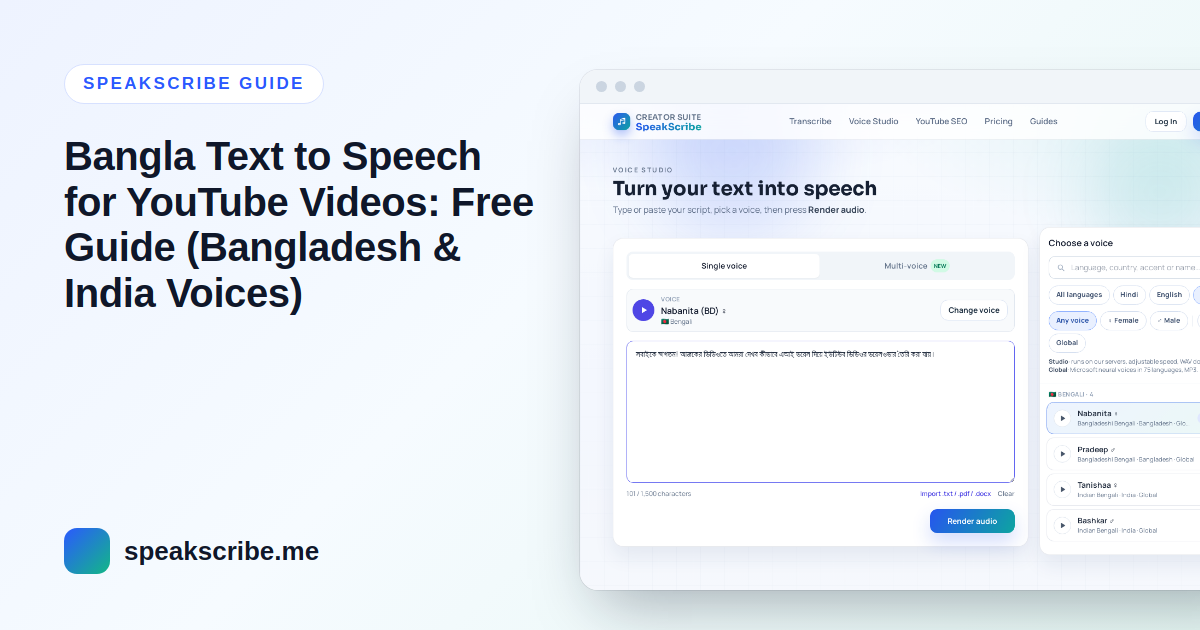
Bangla is spoken by well over two hundred million people across Bangladesh and India, and Bangla YouTube is full of tutorials, stories, explainers and news channels narrated by AI voices. This guide shows how to make a clear Bangla voiceover for free — and the one choice many creators get wrong: the accent.
Step 1: Choose an accent — Bangladesh or India
Bangladeshi and Indian (West Bengal) Bangla differ in pronunciation and some vocabulary. Pick the accent your audience is used to. SpeakScribe has 4 Bangla voices:
| Voice | Accent | Gender |
|---|---|---|
| Nabanita | Bangladesh | Female |
| Pradeep | Bangladesh | Male |
| Tanishaa | India (West Bengal) | Female |
| Bashkar | India (West Bengal) | Male |
All four are Global voices and download as MP3. Render the same paragraph with two of them and listen on your phone — that is how most of your viewers will hear it.
Step 2: Write in Bengali script, not Banglish
Text to speech voices read Bengali script correctly. Bangla written in English letters ("ami tomake bolchi…") is usually read with English pronunciation. Type the script with a Bangla keyboard (Avro, Ridmik or your phone's keyboard) before generating.
- Good: আজ আমরা দেখব কীভাবে ইউটিউব ভিডিওর জন্য ভয়েসওভার বানাতে হয়।
- Often mispronounced: aaj amra dekhbo kivabe YouTube video-r jonno voiceover banate hoy.
Step 3: Fix pauses, numbers and English words
- Pauses: end sentences with the dari (।), use commas for short pauses, and leave a blank line between paragraphs.
- Numbers: write prices and important numbers as words — "পাঁচশো টাকা" instead of "৫০০ টাকা" — when exact pronunciation matters.
- English words: everyday words like ভিডিও, মোবাইল and অ্যাপ sound best in Bengali script. Check brand names in a preview.
- Short sentences: spoken Bangla sounds more natural than formal written style; split long sentences.
Step 4: Preview and generate
- Open Voice Studio with the Nabanita voice, or choose another Bangla voice.
- Preview the first few sentences and fix any word that sounds off.
- Generate the full script — a free account allows up to 5,000 characters per generation, about 5–6 minutes of speech.
- Download the MP3.
Step 5: Put it together
Import the MP3 into your editor and cut the visuals to the voice. Use paragraph gaps for scene changes, keep music quiet under the narration, and add Bangla captions for viewers who watch on mute.
Tips for Bangla YouTube channels
- Use one voice and accent for the whole channel.
- Write titles in the language your audience searches in; our free YouTube title generator can suggest options from your script.
- Make each video original — monetization depends on the content, not on whether the voice is AI. See the monetization rules for AI voice videos.
FAQ
Is Bangla text to speech free?
You can try the voices without signing up, and a free account includes 10 voice generations a month. See pricing for higher limits.
Bangladesh or India voice — which is better?
Neither is better; match your audience. A Dhaka audience will find the Bangladesh voices more familiar, a Kolkata audience the India voices.
Can I turn a Bangla video into text?
Yes — use Bengali audio to text to get an editable transcript.