
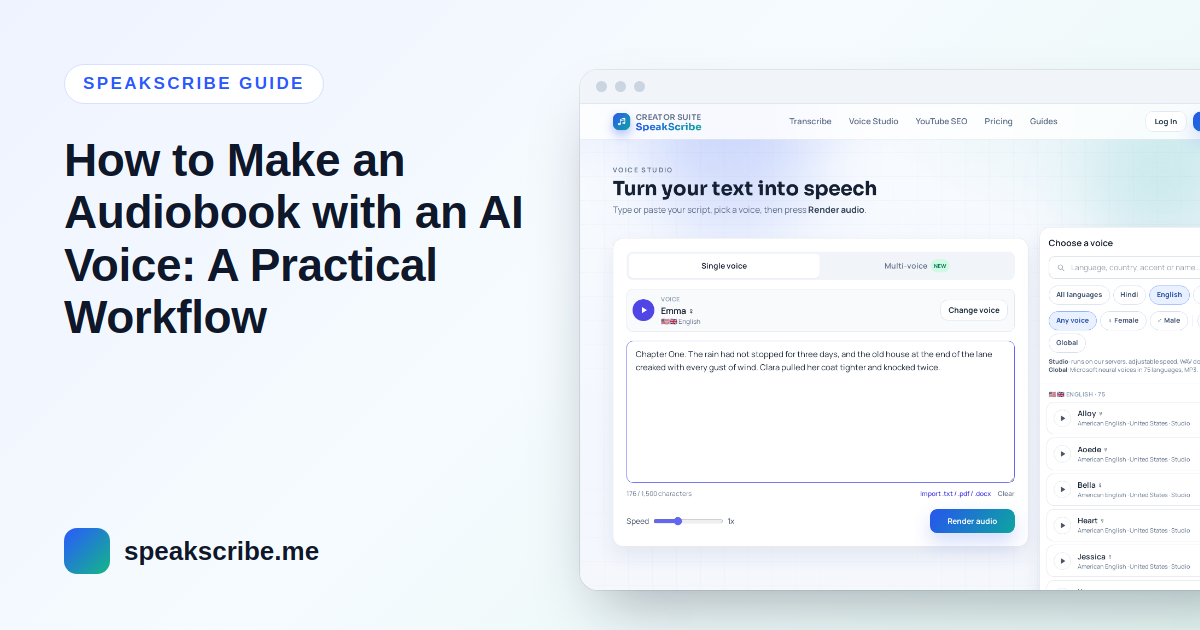
Text to speech has become good enough to narrate long-form text — guides, course material, public-domain classics, your own short stories. The difference between an audiobook people finish and one they abandon is mostly preparation, not the voice. This is a workflow that works chapter by chapter.
Before you start: rights and store rules
- You need the right to the text. Your own writing or a work in the public domain in your country is fine; someone else's book is not, even for a free upload.
- Check where you want to publish. Audiobook stores differ: some have long required human narration, others accept AI narration with a label, and some offer their own AI narration. Rules change, so read the current terms of the store before you produce a whole book for it.
Step 1: Prepare the manuscript for listening
- Remove what only works on a page: page numbers, running headers, footnote markers, tables of contents with dots and page numbers.
- Rewrite visual elements. A table or chart needs a spoken summary ("Sales doubled between 2020 and 2024").
- Spell out what should be said in full: abbreviations, symbols (%, &), and numbers whose reading is ambiguous (years, phone numbers).
- Keep paragraphs. Paragraph breaks become natural pauses; one giant block of text sounds breathless.
Step 2: Choose one voice and keep it
Listeners attach to a narrator. Pick the voice once, using a page with dialogue and names, and use it for every chapter. A few things to decide:
- Accent — match the setting or the audience: British, American, Indian or Australian English, for example, or the regional variety of Spanish or Arabic your listeners speak.
- Pace — Studio voices let you set the speed between 0.5× and 2×. Slightly slower than conversation (around 0.9×) is usually comfortable for long listening. Global voices speak at their natural pace.
- Format — Studio voices export WAV, Global voices MP3. Keep the same voice, and therefore the same format, across the book.
Browse the voice library; each language page explains script and pronunciation details worth knowing.
Step 3: Generate chapter by chapter
Generate one chapter (or part of a long chapter) per file. Smaller files are easier to check, fix and replace. Character limits per generation depend on the plan — 5,000 characters on Free, up to 150,000 on Agency — so long chapters may need splitting at a scene break. Name files in order (01-opening.mp3, 02-…) from the start.
Step 4: Listen through and fix pronunciation
Listen to every chapter once, at normal speed, with the text in front of you. Typical fixes:
- Names and invented words: respell them phonetically in the script (for a name the voice keeps misreading, try spelling it as it sounds).
- Heteronyms such as read, lead or live read the wrong way: rephrase the sentence.
- Missing pauses: add a comma, a full stop or a paragraph break.
Regenerate only the paragraph or chapter that changed.
Step 5: Assemble and export
In an audio editor (Audacity is free), add a short silence at the start and end of each chapter, keep the volume consistent between chapters, and export in the format your store or player asks for. Add chapter titles in the file metadata so listeners can navigate.
A simpler use: audio versions for readers
Not every audiobook is for sale. An audio version of a course handbook, a newsletter or a long report helps people who prefer listening or have difficulty reading — and the same steps apply.
FAQ
Can I make an audiobook for free?
You can test voices without an account, and a free account includes 10 generations a month of up to 5,000 characters each — enough for a short story or a chapter at a time. A full book needs a paid plan.
Which audio format should I use?
Generate in the voice's format (WAV or MP3), assemble in an editor, and export what your distribution platform requires.
Can I turn an existing audiobook recording back into text?
Yes — AI transcription turns recordings into text, for example to create show notes or check a script.